01
Appointment booking system setup
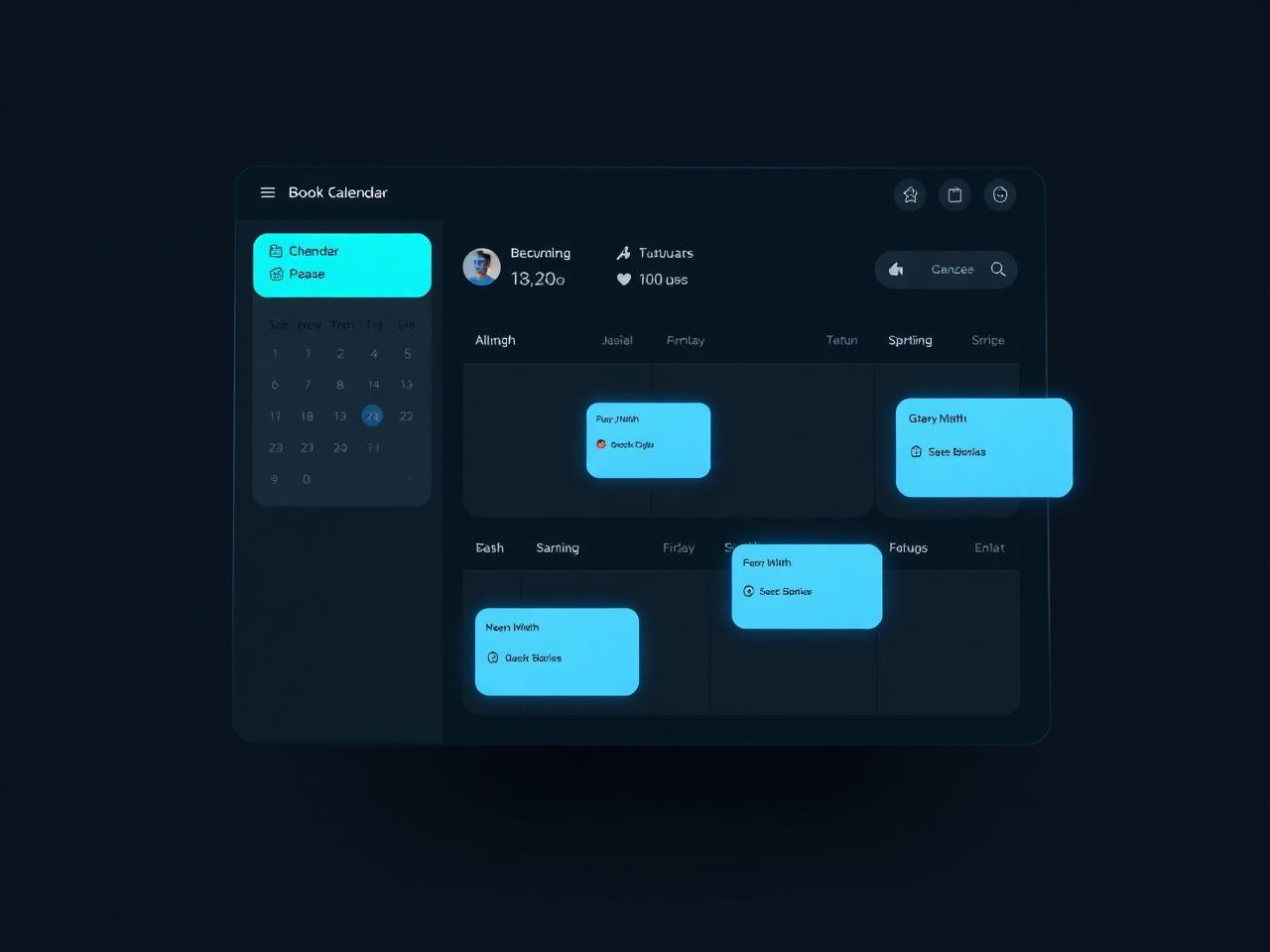
Configure services, appointment types, durations, buffers, availability, staff or resource rules, booking forms and client notifications around your actual workflow.
Appointment booking setup · booking page design · workflow automation
Your booking experience is more than a calendar. It includes how clients choose a service, find an available time, share the right details, receive a confirmation, and know what happens next.
Get your booking software, booking page, calendars, payments and follow-up configured around the way your business actually works. Not sure where to start? Take the free Booking Flow Health Check to find the areas worth improving first.
Eight quick questions. A practical score. No booking software purchase required.
Designed for appointment-based businesses, including salons, spas and med-spas, wellness providers, fitness studios, clinics, coaches, consultants and other service professionals. Work is delivered remotely; final features depend on platform, plan, region and account permissions.
Free tool · about 3 minutes
A booking page can look good and still leave clients unsure what to choose. A calendar can accept appointments while confirmations, payments or client details still require manual work. The Health Check looks at the whole path—not just the calendar.
This is a self-assessment, not an industry benchmark, scientific diagnostic or guarantee of business results. Do not share patient details, financial information, confidential case details or passwords.
How it works
Tell us how clients book today and where you still rely on manual steps.
Get an immediate summary and one practical improvement based on your answers.
Request a fuller report with prioritized fixes you can discuss with your team or use as a starting point for a booking-system review. Report delivery is pending email setup.
Configure services, appointment types, durations, buffers, availability, staff or resource rules, booking forms and client notifications around your actual workflow.
Make service choices, booking instructions, calls to action and mobile steps easier to understand, while keeping the page consistent with your website and brand.
Where supported, connect booking events to calendars, CRM, email, spreadsheets, payment tools or internal notifications using native integrations, Zapier or Make.
Get help reviewing and configuring tools such as Acuity Scheduling/Squarespace Scheduling, Calendly, Square Appointments, Vagaro, Fresha, GlossGenius, Bookeo, Cal.com or GoHighLevel when the platform and account support the required workflow.
Identify unclear options, unnecessary steps, mobile friction, confusing policies or missing handoffs before committing to a larger rebuild.
Connect a booking journey to Squarespace, Wix, WordPress or Webflow using an appropriate supported embed, scheduling block, button or link.
Who it helps
Organize service menus, treatment durations, practitioner availability, deposits and repeat-visit workflows when relevant.
Make appointment types, scheduling rules and client communications clearer while checking data-handling requirements before choosing integrations.
Review discovery sessions, recurring sessions, availability, cancellations and follow-up.
Simplify discovery calls, paid consultations, time-zone handling, virtual meeting links and client onboarding.
Adapt the booking journey to consultations, site visits or inquiry-first workflows when a standard online calendar is not the right fit.
Work is delivered remotely. Features depend on platform, plan, region and account permissions. Clinical and billing configuration is not included.
Explore Booking Setup ServicesMap what happens from the first click to the follow-up.
Organize the relevant booking options, rules and customer-facing steps.
Verify supported calendar, payment, CRM, email or automation connections.
Walk through realistic booking scenarios and explain how to maintain the setup.
Have a different setup? Send the booking tool you use and what should happen after someone books.
Your next step
Start by checking the customer journey you have today. If the assessment uncovers a problem you would rather not solve alone, share your current booking tool and what you want to happen after a client books. We can identify a sensible next step.